
Bulk Image Resize Hundreds of Photos Instantly Without Losing Quality
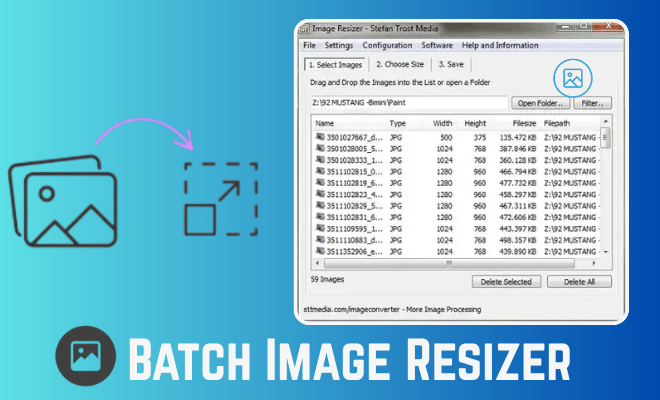
How can you resize multiple images at once without losing quality?
The Ultimate Time-Saving Tool for Batch Image Processing and Maintain Quality While Resizing Multiple Images Together

Perfect Quality
Resize your images without losing clarity or sharpness.

Easy to Use
Upload, adjust size, and download in just a few simple steps.

Privacy Guaranteed
Your images are processed securely and never stored or shared.
How to resize and rename multiple images efficiently?
- Choose the photo you want to resize from your Windows computer. You can also drag and drop it directly into the tool.
- Enter your desired width and height or choose from preset sizes for web, social media, or print.
- Click the “Resize” button, preview the result, and download your perfectly resized image instantly.
Frequently Asked Questions
What is a Batch Image Resizer?
A Batch Image Resizer is a tool that lets you resize, compress, or optimize multiple images at once instead of doing them one by one saving you time and effort.
Can I resize images without losing quality?
Yes! Our Batch Image Resizer maintains high image quality while reducing file size, ensuring your photos stay sharp and clear.
What image formats are supported?
You can resize popular formats such as JPG, PNG, and WEBP. Some tools also support BMP and TIFF files.
Is the Batch Image Resizer free to use?
Yes, the online version is completely free no downloads or subscriptions required.
Can I resize images for specific platforms?
Absolutely! You can resize images for Instagram, Facebook, websites, or print by choosing preset dimensions or entering custom sizes.
Leave a Reply