

Free Online Tool to Resize Multiple Images Without Losing Quality
How to Resize Images in Bulk Without Compromising Quality?
How to Quickly Resize All Your Photos at Once Without Losing Quality?

Perfect Quality
Resize your images without losing clarity or sharpness.

Easy to Use
Upload, adjust size, and download in just a few simple steps.

Privacy Guaranteed
Your images are processed securely and never stored or shared.
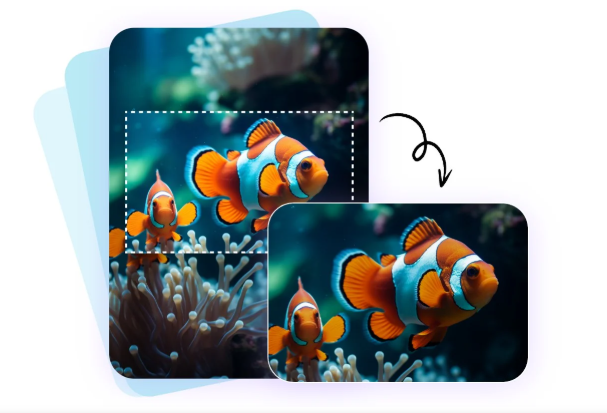
Resize, Compress, and Optimize Multiple Images in One Click
- Resize, compress, and optimize multiple images in just one click with our bulk image resizer.
- Easily upload all your photos, adjust dimensions, and reduce file sizes without losing quality.
Frequently asked questions.
How can I resize multiple images at once?
Simply upload your photos, set your desired width and height, and click “Resize.” All images will be processed together and ready for download instantly.
Will the image quality be affected after resizing?
No, our bulk image resizer ensures that your images retain their original clarity and quality, even after resizing or compression.
Which image formats are supported?
You can upload and resize popular image formats such as JPG, PNG, JPEG, and WEBP.
Is the bulk image resizer free to use?
Yes! Our tool is completely free, easy to use, and works directly in your browser no software installation required.
Leave a Reply