
Resize Photos for Instagram Posts, Stories & Reels
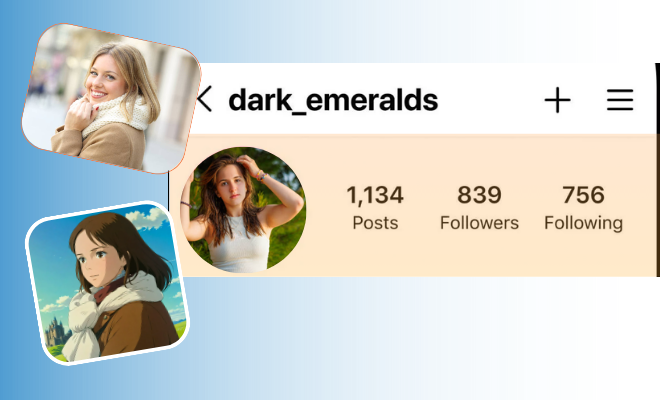
How can I resize my photo for Instagram without losing quality?
Resize, Crop & Adjust Images for Instagram in One Click

Perfect Quality
Resize your images without losing clarity or sharpness.

Easy to Use
Upload, adjust size, and download in just a few simple steps.

Privacy Guaranteed
Your images are processed securely and never stored or shared.
Resize, Crop, and Optimize Images for Instagram in Seconds
- Choose the photo you want to resize from your Windows computer. You can also drag and drop it directly into the tool.
- Enter your desired width and height or choose from preset sizes for web, social media, or print.
- Click the “Resize” button, preview the result, and download your perfectly resized image instantly.
Frequently Asked Questions
Why should I resize my images for Instagram?
Resizing ensures your photos display perfectly on Instagram without cropping or distortion improving your feed’s look and engagement.
What is an Instagram Image Resizer?
An Instagram Image Resizer is a tool that helps you resize, crop, and optimize your photos to fit Instagram’s required dimensions for posts, stories, reels, and ads.
Will resizing affect my image quality?
No. The tool keeps your images sharp and clear while adjusting them to Instagram’s ideal size and aspect ratio.
Is the Instagram Image Resizer free to use?
Yes! You can resize your photos for Instagram completely free and without any software installation.
Leave a Reply